
This page provides options for purchasing new DASYLab licenses.
If you need to update an existing DASYLab license to the latest version, you can do so here.
If you need to upgrade an existing DASYLab license to a higher feature tier you can do so here.
Need help deciding which option is right for you? Contact our sales team to understand your options.
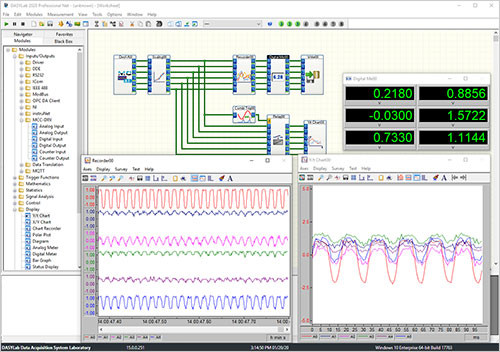
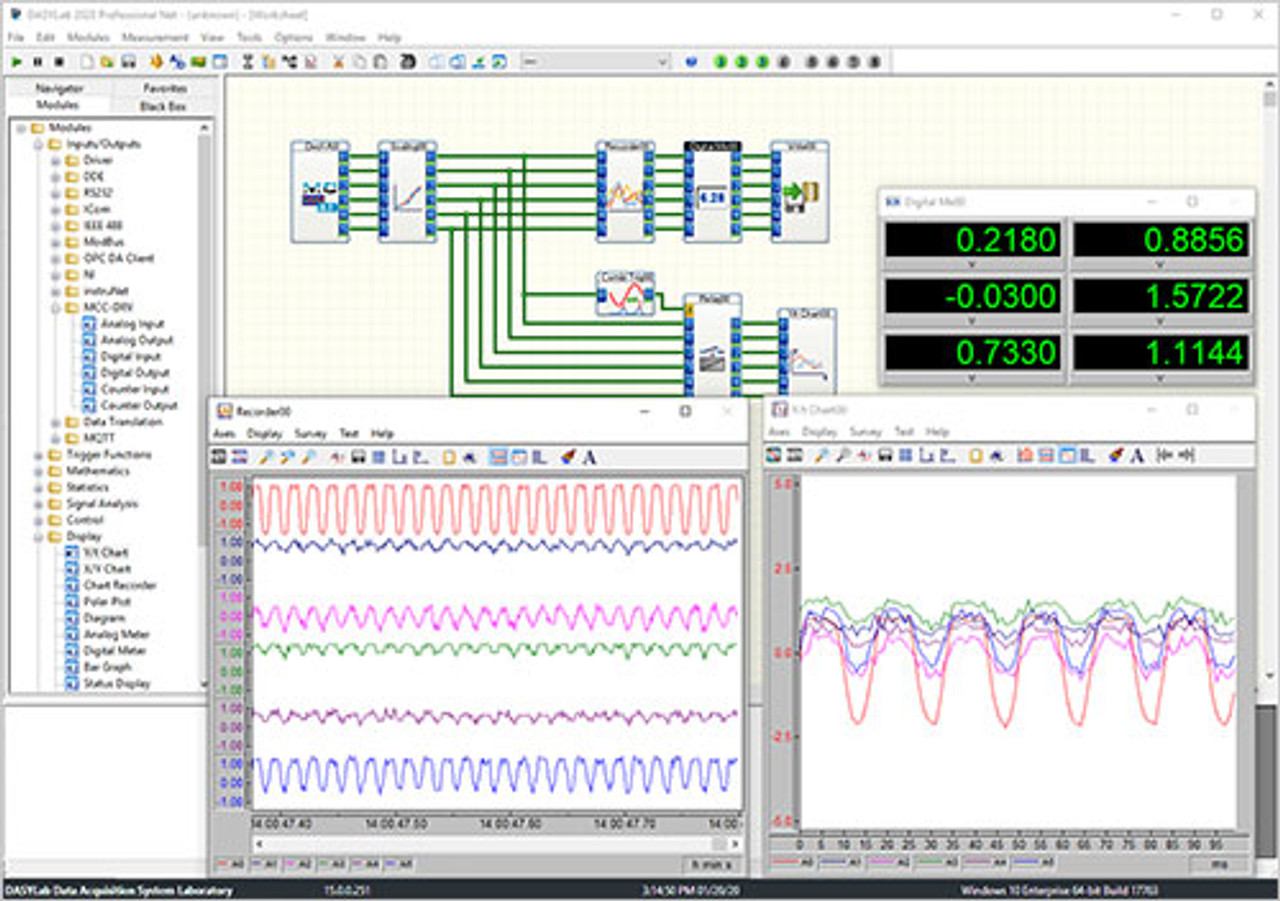
DASYLab data acquisition (DAQ) software provides tools and functions to quickly and easily develop complex applications without programming. The software offers real-time analysis, control, and graphics tools for creating custom graphical user interfaces (GUIs), supports most MCC devices, and also supports hardware from over 20 vendors.
- Create complex applications quickly and easily without programming
- Real-time data acquisition, analysis, control, and display functions
- Standard real-time displays (charts, meters, graphs)
- Complete library of computational functions including Statistics and FFT analysis
- State Machine function for complex state-based scenarios
- Script feature allows you to create custom functions using open source Python™
- Connect to serial, OPC, ODBC, MODBUS, IVI, and TCP/IP based devices
- Drivers for MCC, Data Translation®, IOtech®, National Instruments™, and other vendors
- Combine analog, digital and counter inputs and outputs in one test
- Simple creation of reusable code blocks with the Black Box module
- More than 512 channels on multiple devices
- Supported Operating Systems: Windows® 10/8.1/7
- Download DASYLab 2022 Evaluation Copy
DASYLab LITE
- Ideal for data logging and monitoring
- Includes basic function modules for creating a worksheet
- Supports 32 analog inputs and up to 64 worksheet wires
- Supports one layout window for advanced user display management or reporting
DASYLab Basic
- Supports unlimited worksheet wires
- Supports up to 256 analog inputs and one layout window
- Includes PID, Statistics, Formula, FFT, Filter and other analysis features
- Includes control functions, Two-point Control, Switch, Slider, Coded Switch, as well as flexible triggers and comparison modules
DASYLab Full
- Includes all standard modules (a base selection of Signal Analysis modules, all Action and Action-enabled modules)
- Supports up to 200 layout windows
- Includes the powerful Control Sequencer module for controlling a series of test worksheets
DASYLab Pro
- Includes the full set of modules – Control Sequencer, all signal analysis tools, the Sequence Generator, and all available add-on modules (without third-party modules)
- Includes the suite of Network modules
DASYLab Runtime
- Simplified user interface in which users can open a worksheet, load a sequence, operate a layout, and modify the window arrangement
- Use Runtime mode for projects in which users can implement but not change the application
Which version is best for you?
DASYLab Version Comparison ChartQuickly find what you need to get started and reduce mean time to measure.
Resource CenterQuick Links
DASYLab Supported Products
DASYLab Quick Start Guide
DASYLab Datasheet
DASYLab User Manual