
-

-
-
-
-
-

-

-

-

-

-
On Sale!

MCC WebDAQ 904: Internet Enabled Universal Input Data Logger
Add to CartWas: $1,569.00Now: $941.40 -
On Sale!
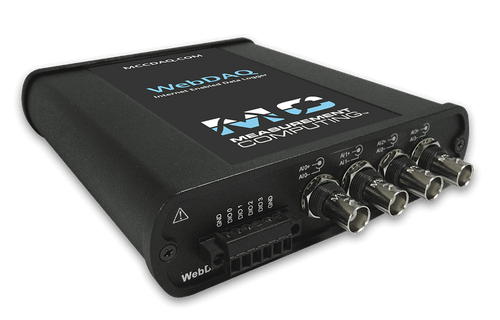
MCC WebDAQ 504: Internet Enabled Vibration-Acoustic Data Logger
Add to CartWas: $1,569.00Now: $941.40
WHAT IS DATA ACQUISITION?
Data acquisition, or DAQ as it is often referred, is the process of digitizing data from the world around us so it can be displayed, analyzed, and stored in a computer. A simple example is the process of measuring the temperature in a room as a digital value using a sensor such as a thermocouple. Modern data acquisition systems can include the addition of data analysis and reporting software, network connectivity, and remote control and monitoring options.
Components of a Data Acquisition System
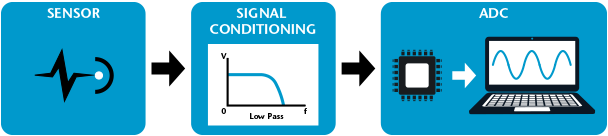
All data acquisition systems consist of three essential elements – Sensor, Signal Conditioning, and Analog-to-Digital Converter (ADC).
Analog-to-Digital Converter
At the core of all data acquisition systems is an Analog to Digital Converter (ADC). As the name implies, this chip takes data from the environment and converts it to discrete levels that can be interpreted by a processor. These discrete levels correspond to the smallest detectable change in the signal being measured. The higher the number of “bits” of an ADC (12-bit, 16-bit, 18-bit etc.), the greater the number of discrete levels that can represent an analog signal and the greater the resolution of the ADC. The resolution of an ADC is essentially analogous to the ticks on a measuring stick. A measuring stick with mm tick marks has more resolution than a measuring stick with only cm tick marks. Whether you need mm or cm tick marks depends on what you are measuring – the same is true for ADC resolution.
Sensors (Transducers)
Sensors, often called Transducers, convert real-world phenomenon like temperature, force, and movement to voltage or current signals that can be used as inputs to the ADC. Common sensors include thermocouples, thermistors, and RTDs to measure temperature, accelerometers to measure movement, and strain gauges to measure force. When choosing the right sensor for your measurement system, it’s important to consider factors like the accuracy of the sensor and the signal conditioning required to record a readable signal.
Signal Conditioning
To make quality measurements on transducers, additional circuitry is often needed between the transducer and the ADC. This circuitry is generally referred to as signal conditioning and can include amplification/attenuation, filtering, Wheatstone bridge completion, excitation, linearization, calibration, and cold-junction-compensation (CJC). Different sensors have different signal conditioning needs. For instance, signal conditioning for a strain gauge requires excitation, bridge completion and calibration. Thermocouples, which output signals in the mV range, need to be amplified as well as filtered before going through the ADC.
Many times, signal conditioning circuitry is contained within a data acquisition device, but signal conditioning may also be part of the transducer. Load cells, for example, contain the bridge completion, calibration circuitry, and amplification. Many MEM (micro-electro-mechanical) sensors also contain signal conditioning.
DATA ACQUISITION OPTIONS
There are a wide variety of DAQ devices to choose from:
 Data Loggers
Data Logging is the recording of collected data over a period of time. Depending on the application, the data can be temperature measurements, voltages, current, humidity, or other signals of interest. A Data Logger is a self-contained data acquisition system with a built-in processor and pre-defined software embedded in the unit. Data loggers can run as stand-alone devices and are popular because they are portable and easy to use for specific tasks.
All data loggers have local storage to save data and some include SD slots for additional memory. Web-enabled data loggers can be configured and share data over a network. For additional portability, some data loggers are battery-powered.
 Data Acquisition Devices
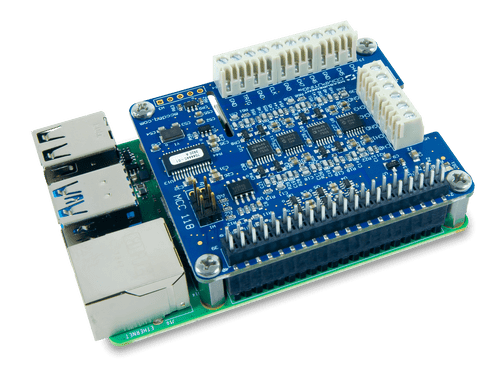
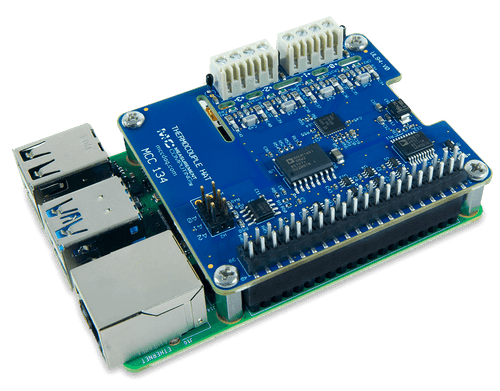
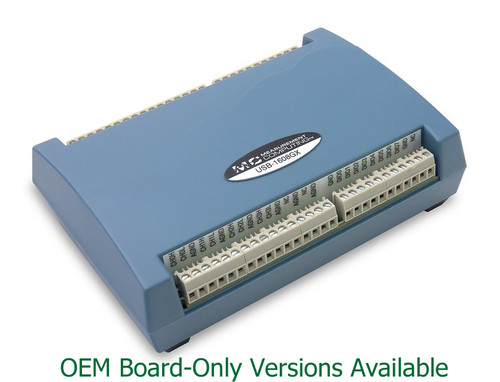
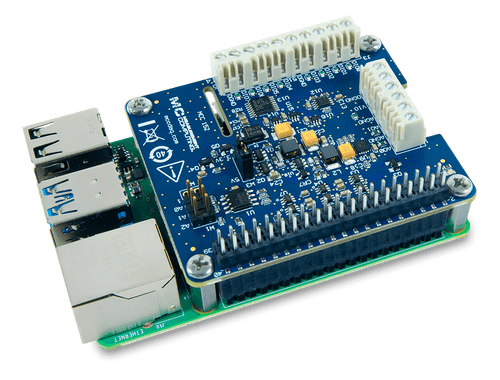
A data acquisition device (USB, Ethernet, PCI, etc) contains signal conditioning and an analog to digital converter, but needs to be connected to a computer to function. These data acquisition units are very flexible and can be used in many different applications which this makes them a popular choice.
Users of plug-in devices can either use predefined data acquisition Software, like DAQami™, or can use a programming environment, such as Python™, C++®, DASYLab®, MATLAB®, and NI LabVIEW™. With different BUS options, and the flexibility to use your preferred software, data acquisition hardware offers a customizable solution for your unique application.
 Data Acquisition Systems
Modular data acquisition systems are designed for high-channel count and complex systems that need to integrate and synchronize multiple sensor types. These data acquisition modules are more complex to integrate and use, but are extremely flexible.
Modular systems and DAQ modules are the most expensive data acquisition option, but many applications require the features that only a data acquisition system, like PXI, can provide.
With all of these different options available, there is a DAQ unit perfect for your specific application!